Native 4K without an upscaler
Generate approximately 16MP detail directly, including 4096 × 4096 square images.
Native 4K images in seconds. Create from text or edit with up to 16 references.
Creative workspace
Up to 16 images, 20MB per image. JPEG, PNG, WebP, HEIC or HEIF.
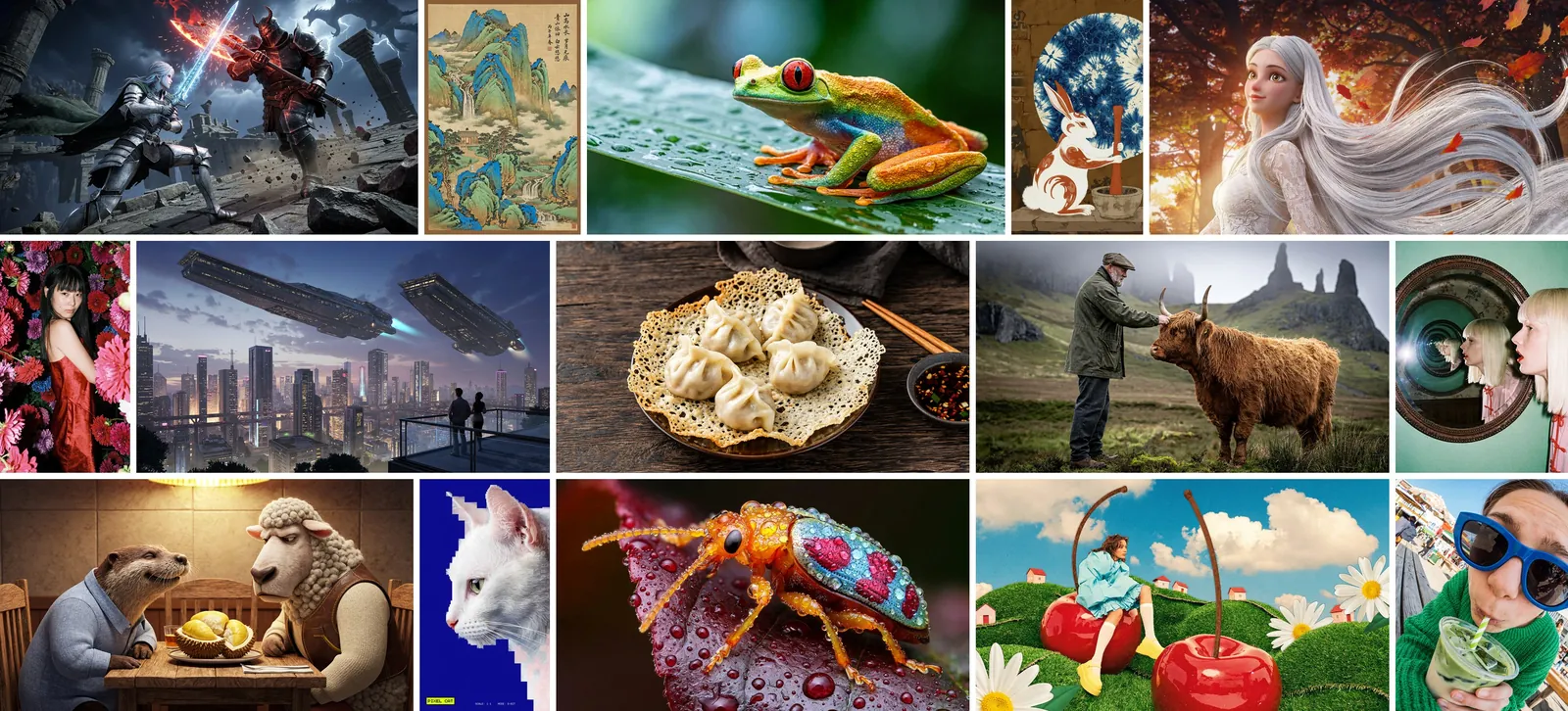
MiniMax H3 Image is MiniMax’s image generation and editing model built on H3, released with open weights in November 2026. A single checkpoint handles text-to-image, reference-based creation and editing, with native 4096 × 4096 output without an upscaler and up to 16 reference images.
33.1B-parameter DiT · 6 sampling steps · Up to 20MP · Native ratios to 21:9 · Up to 16 references · Open weights on Hugging Face
This site offers 1K, 2K and 4K through Evolink, with aspect ratios up to 3:1.
Explore photographic detail, imagined worlds and precise visual layouts.
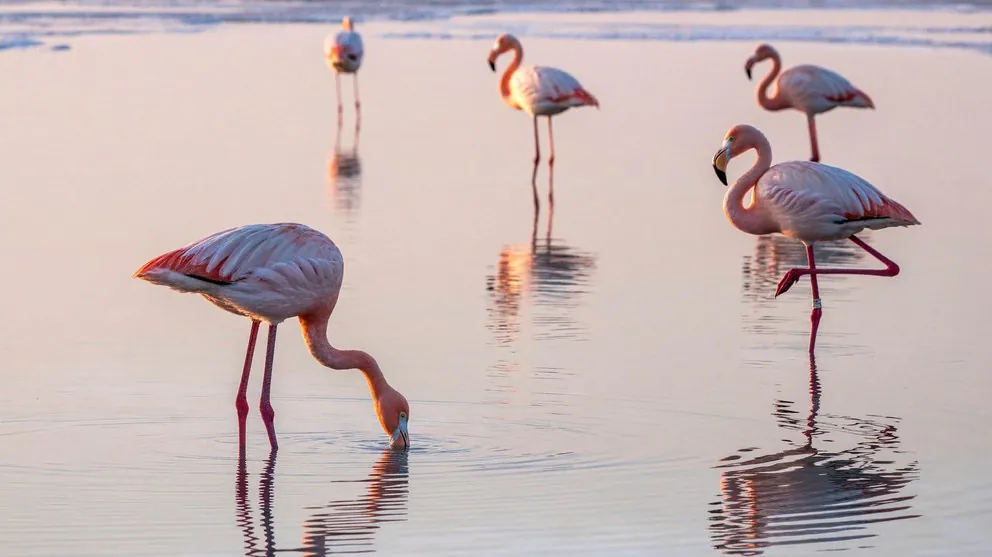
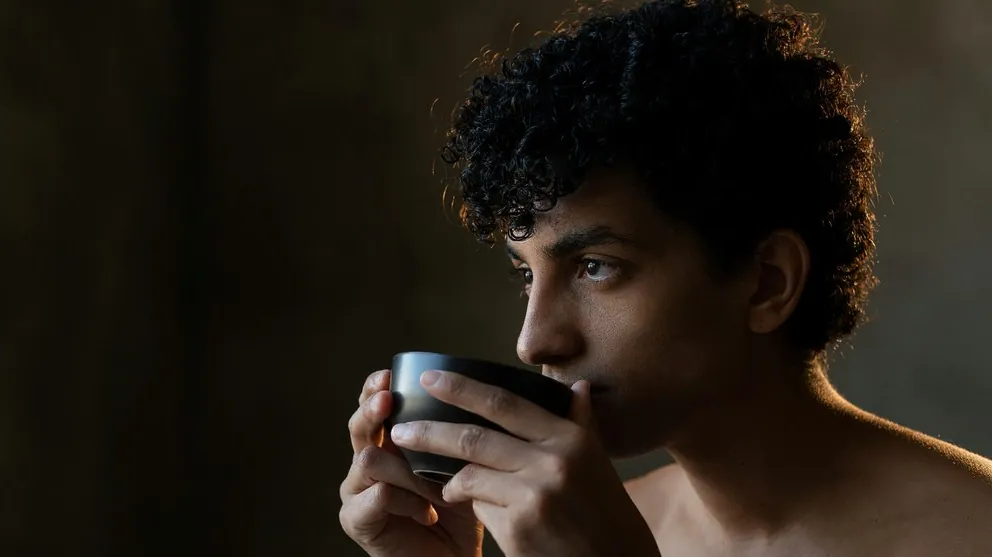
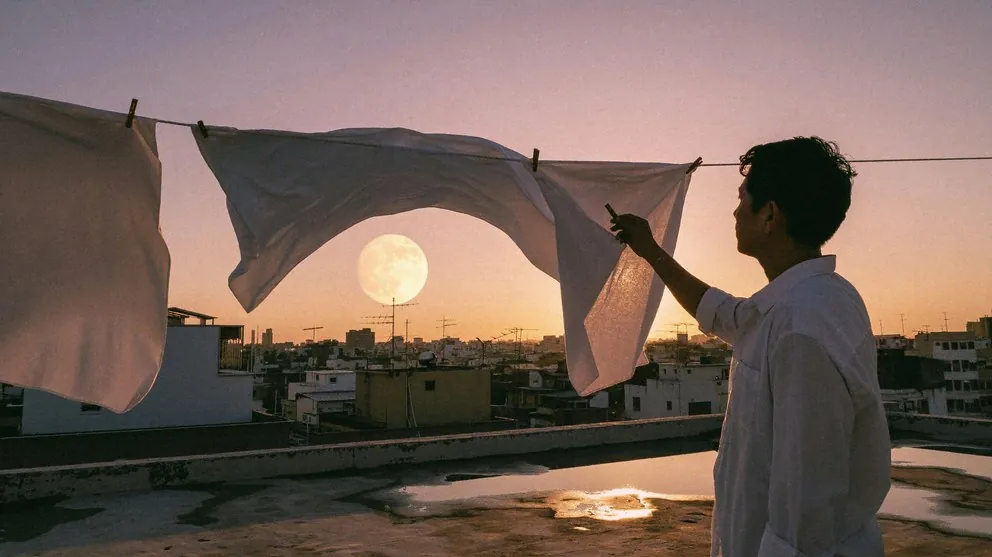
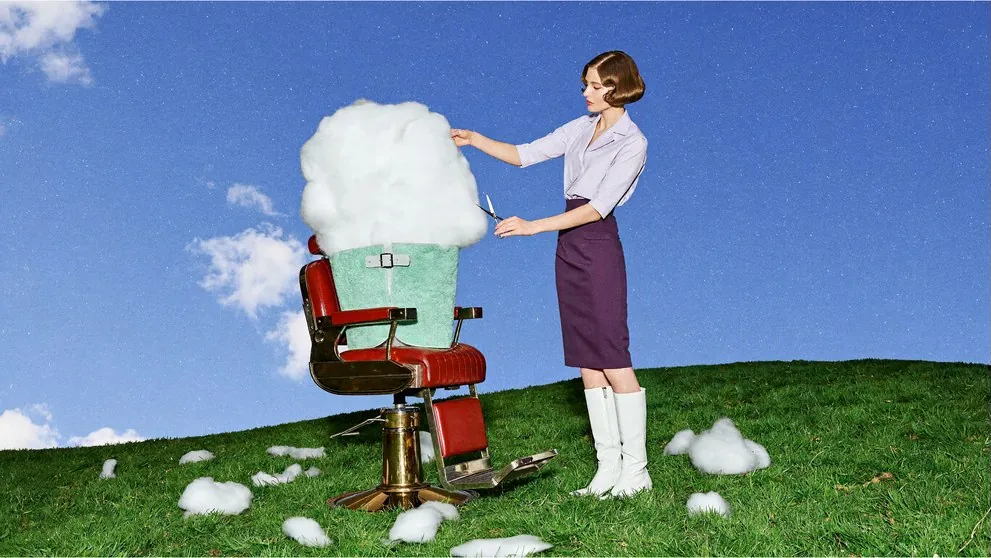
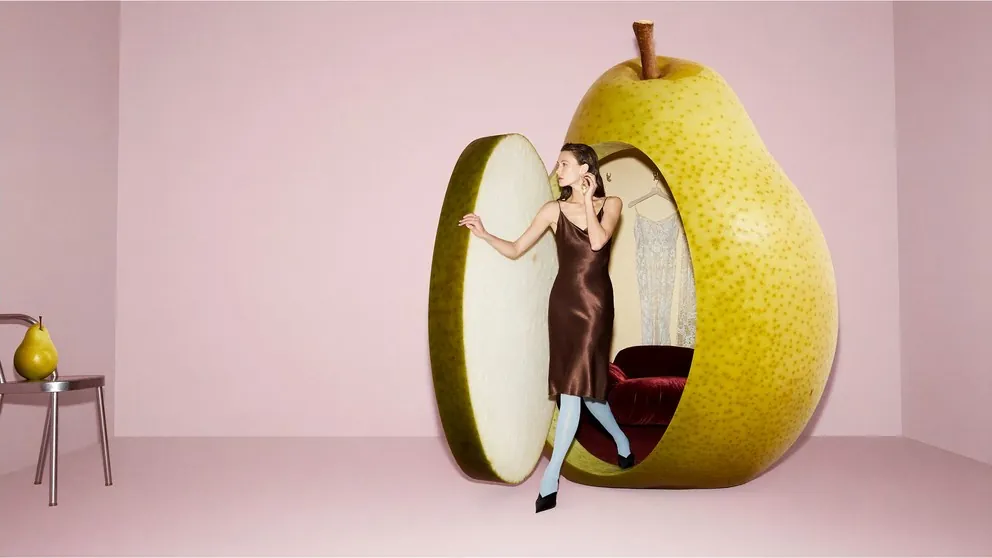
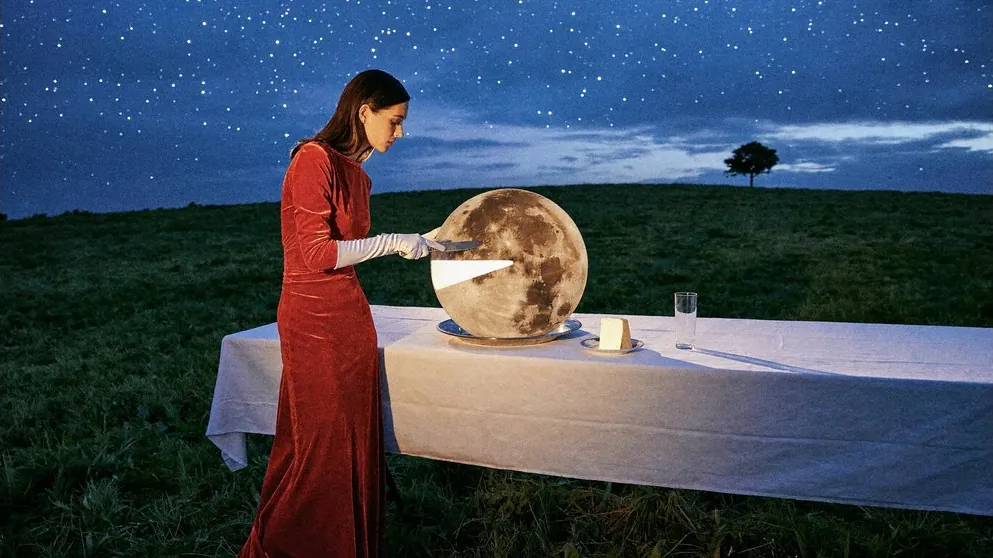
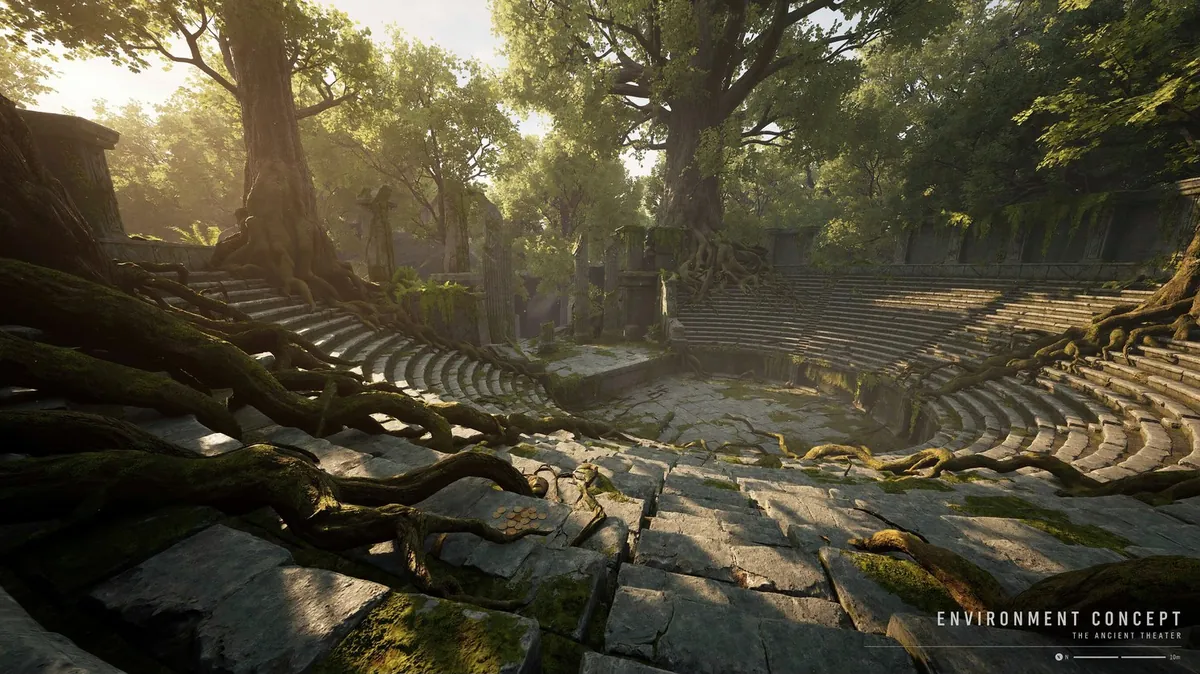
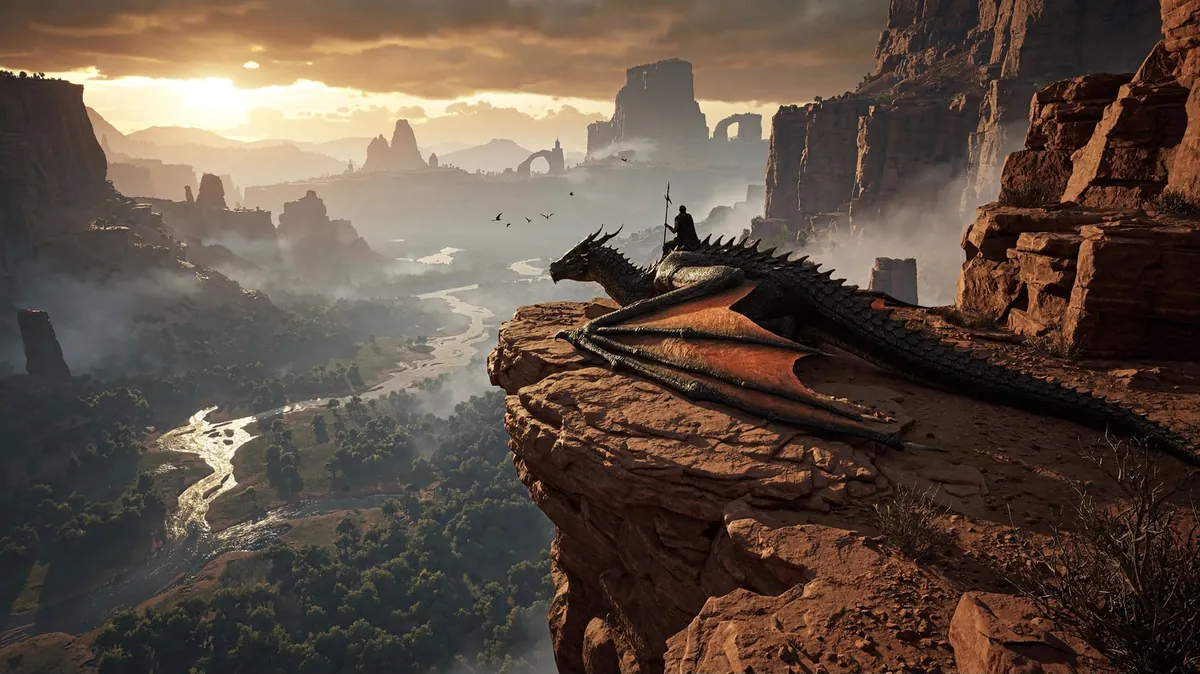
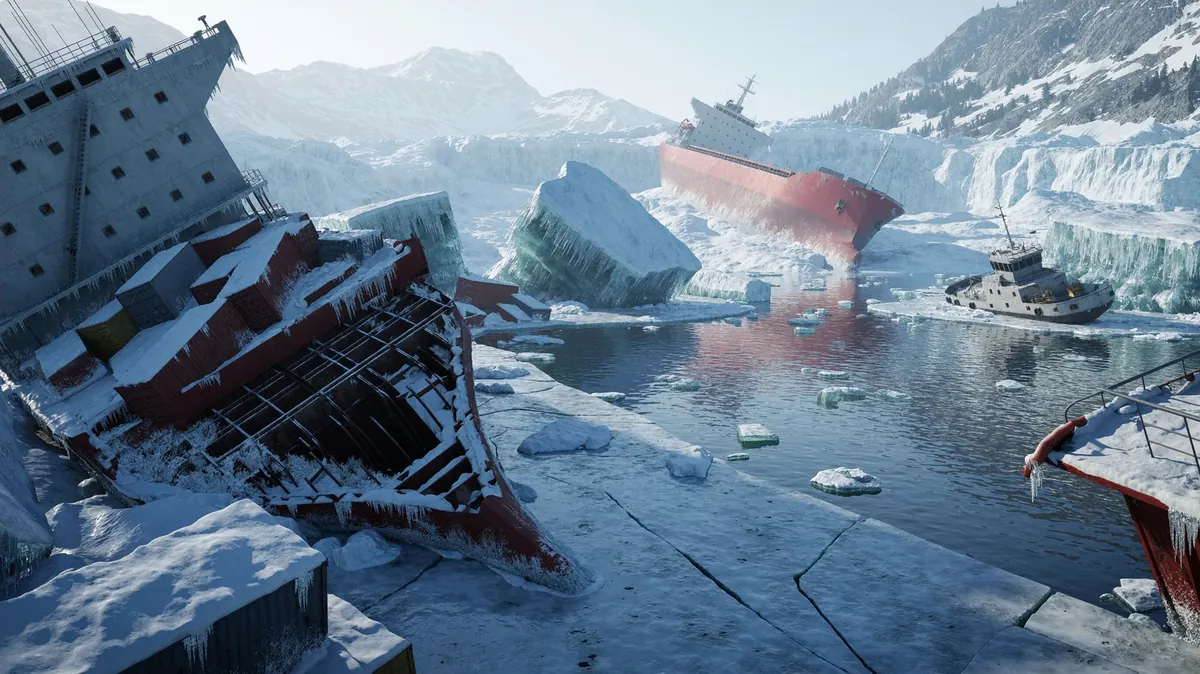
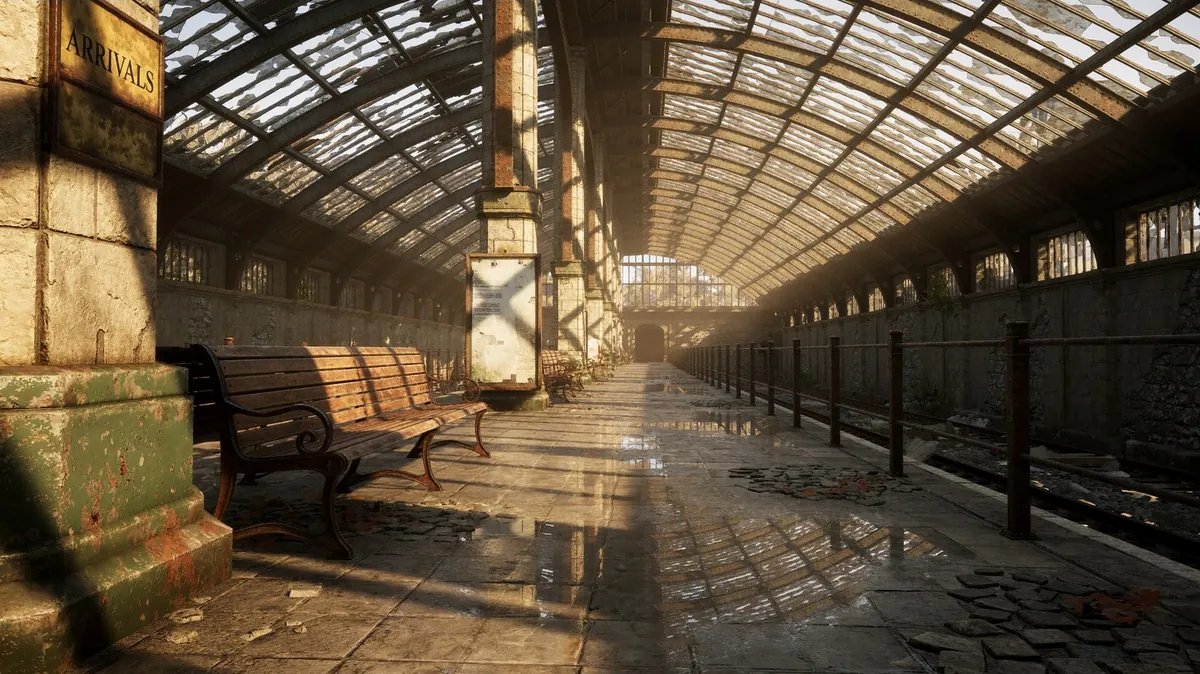
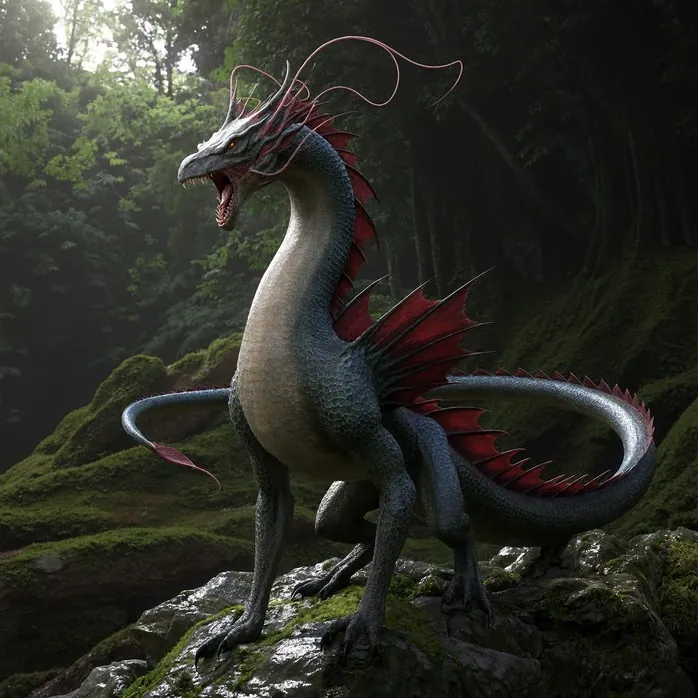
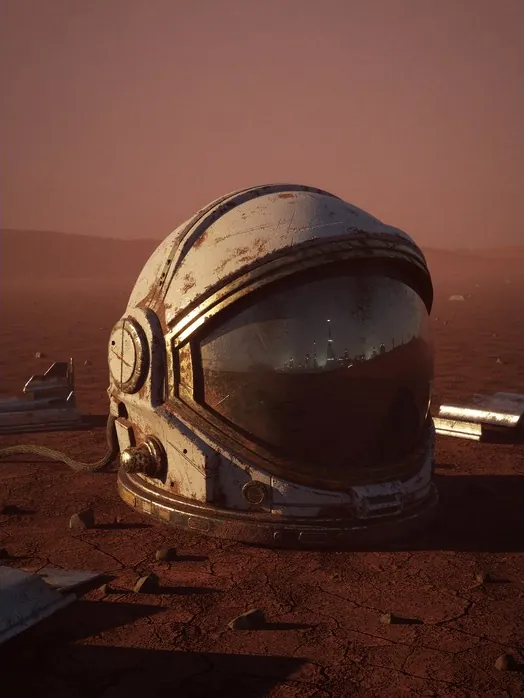
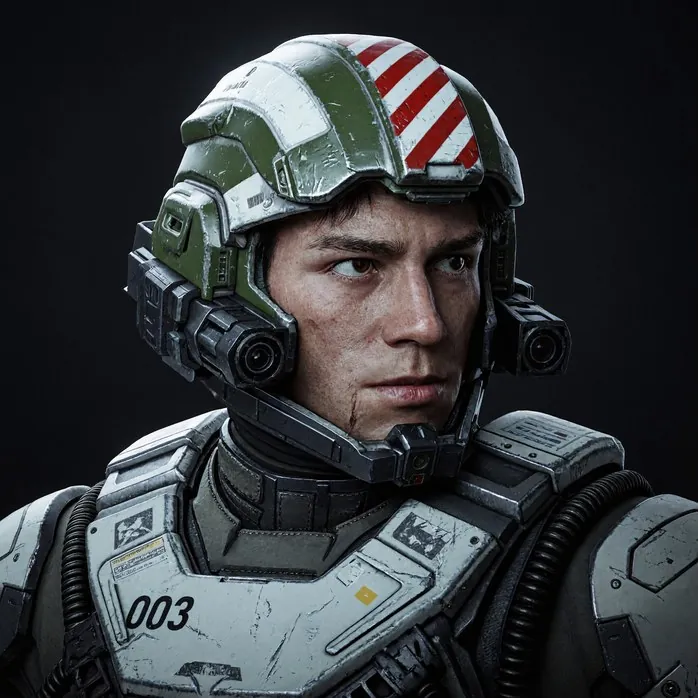
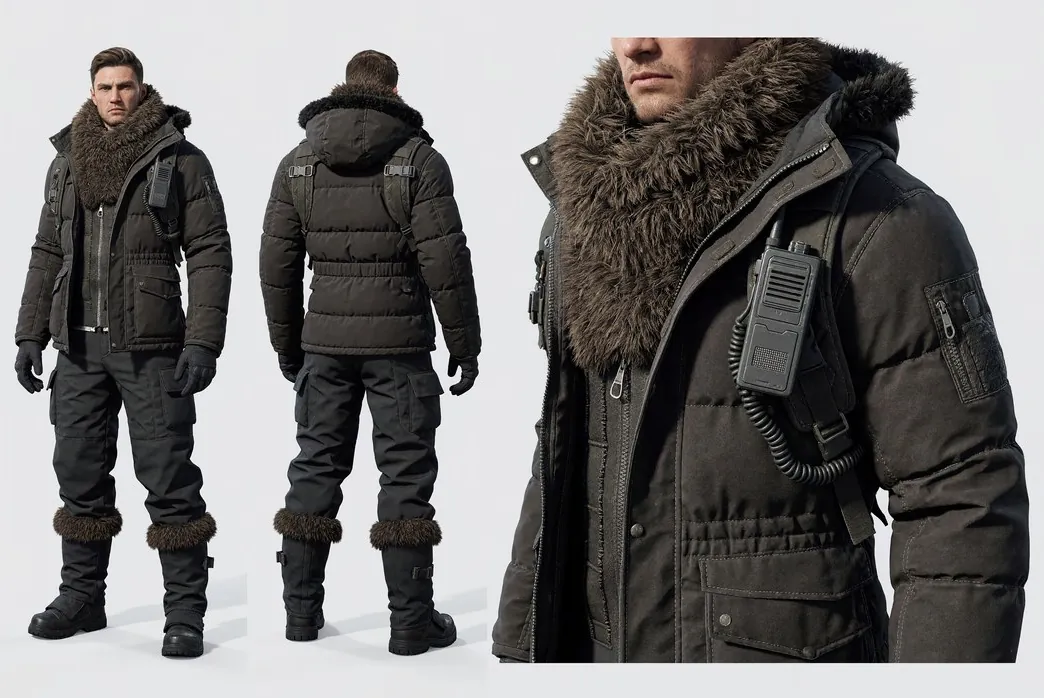
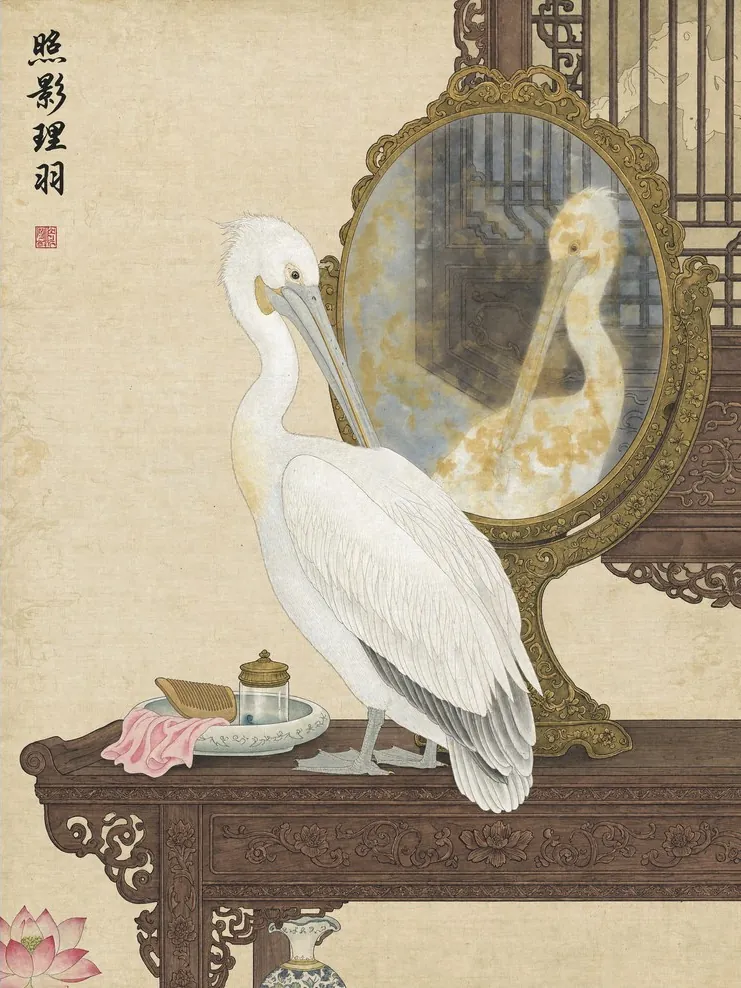
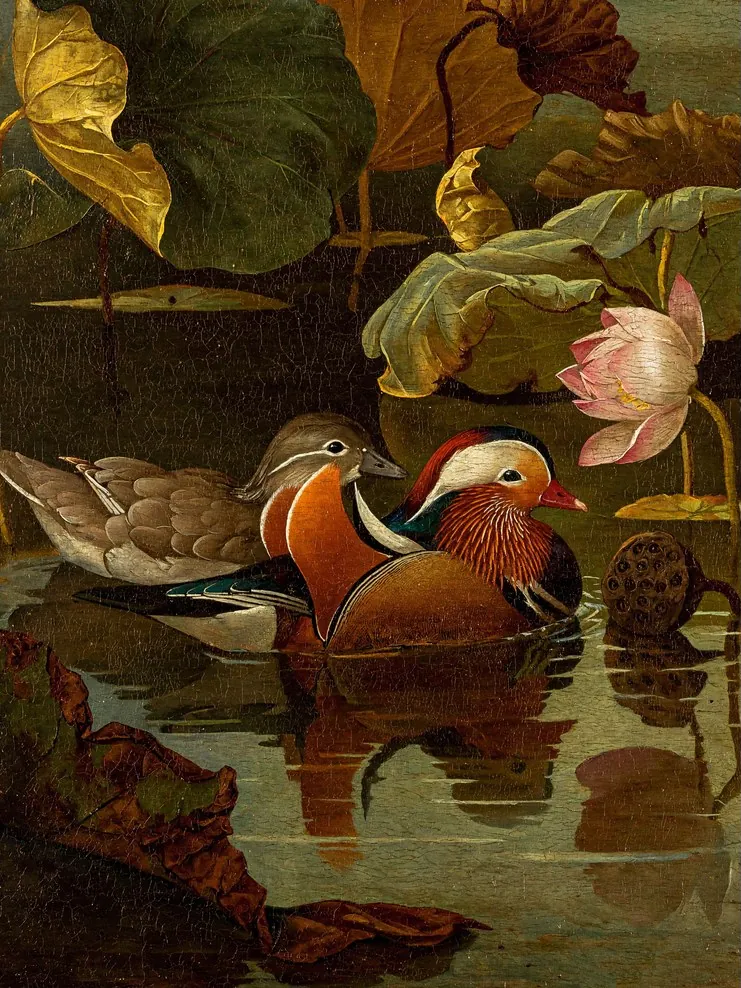
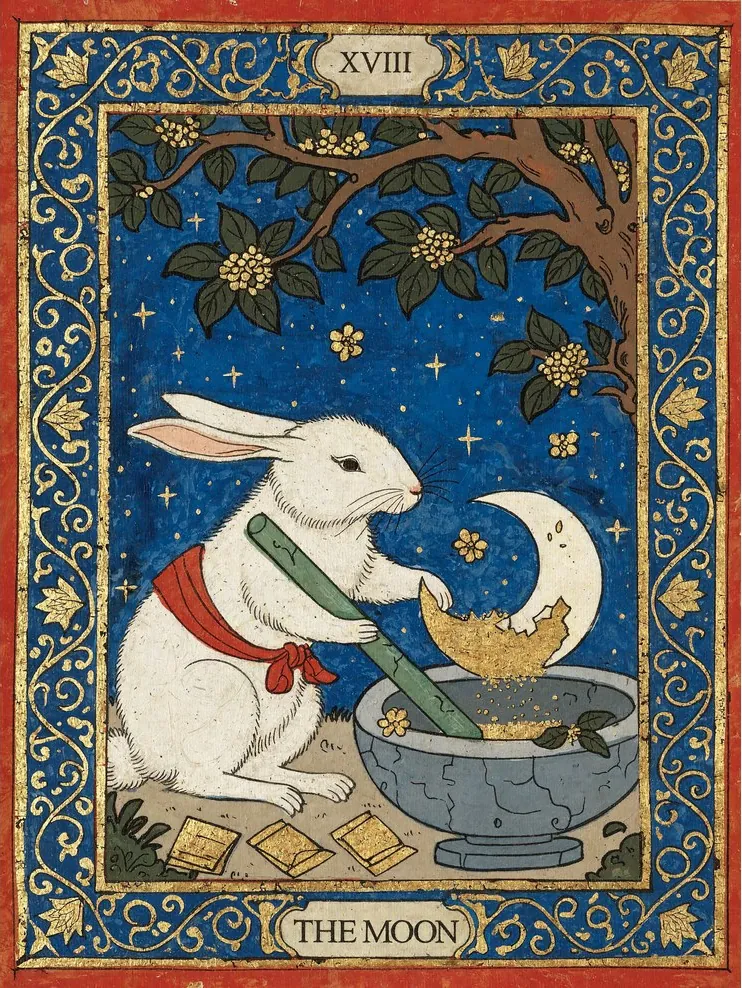
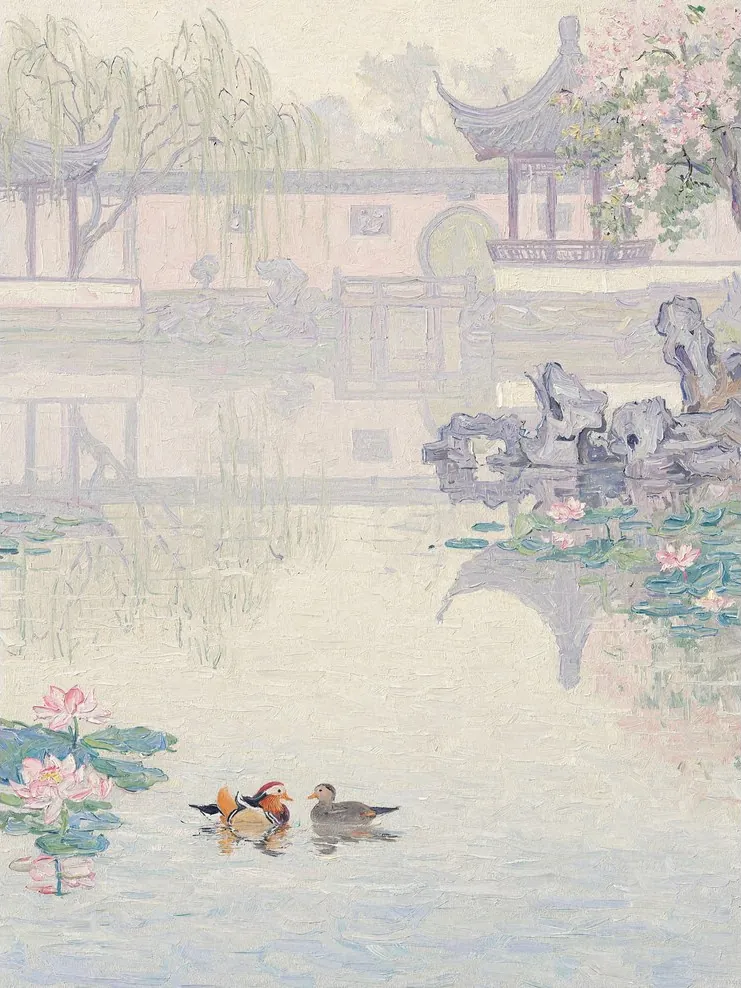
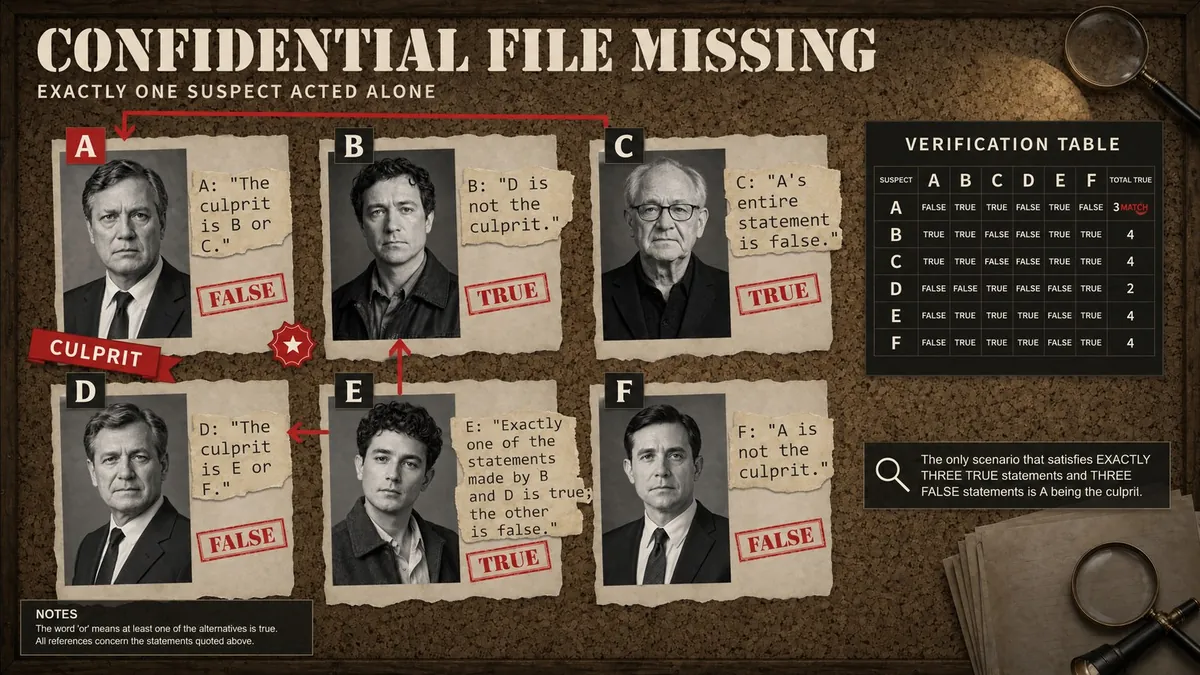
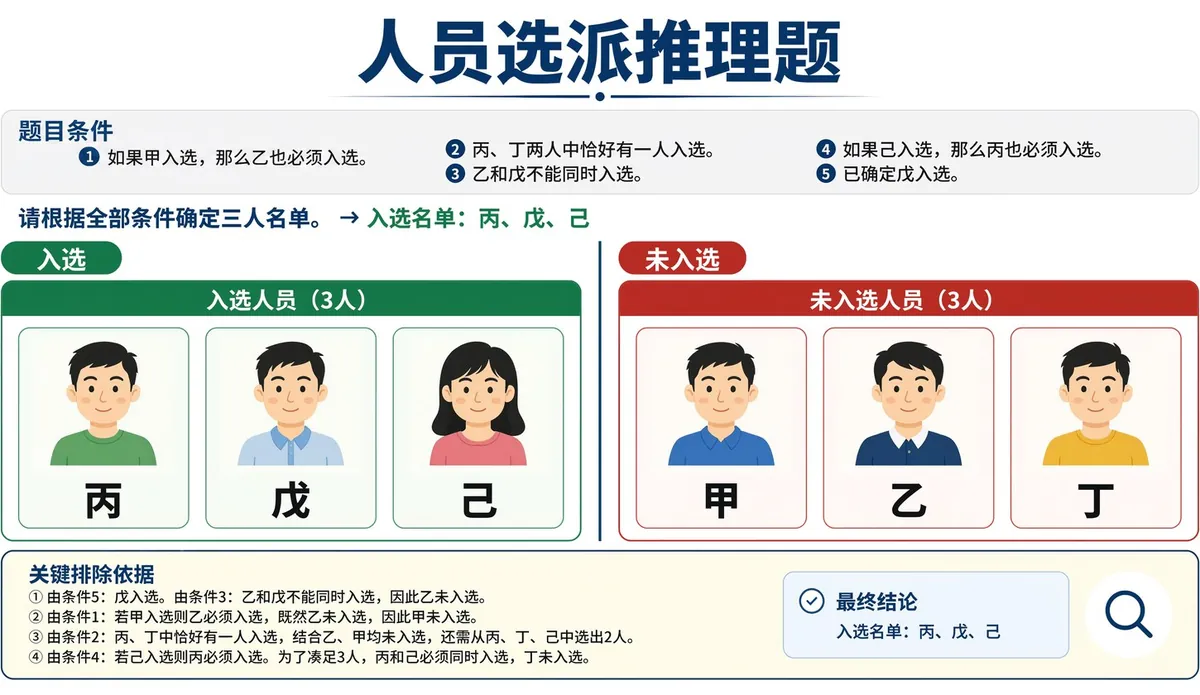
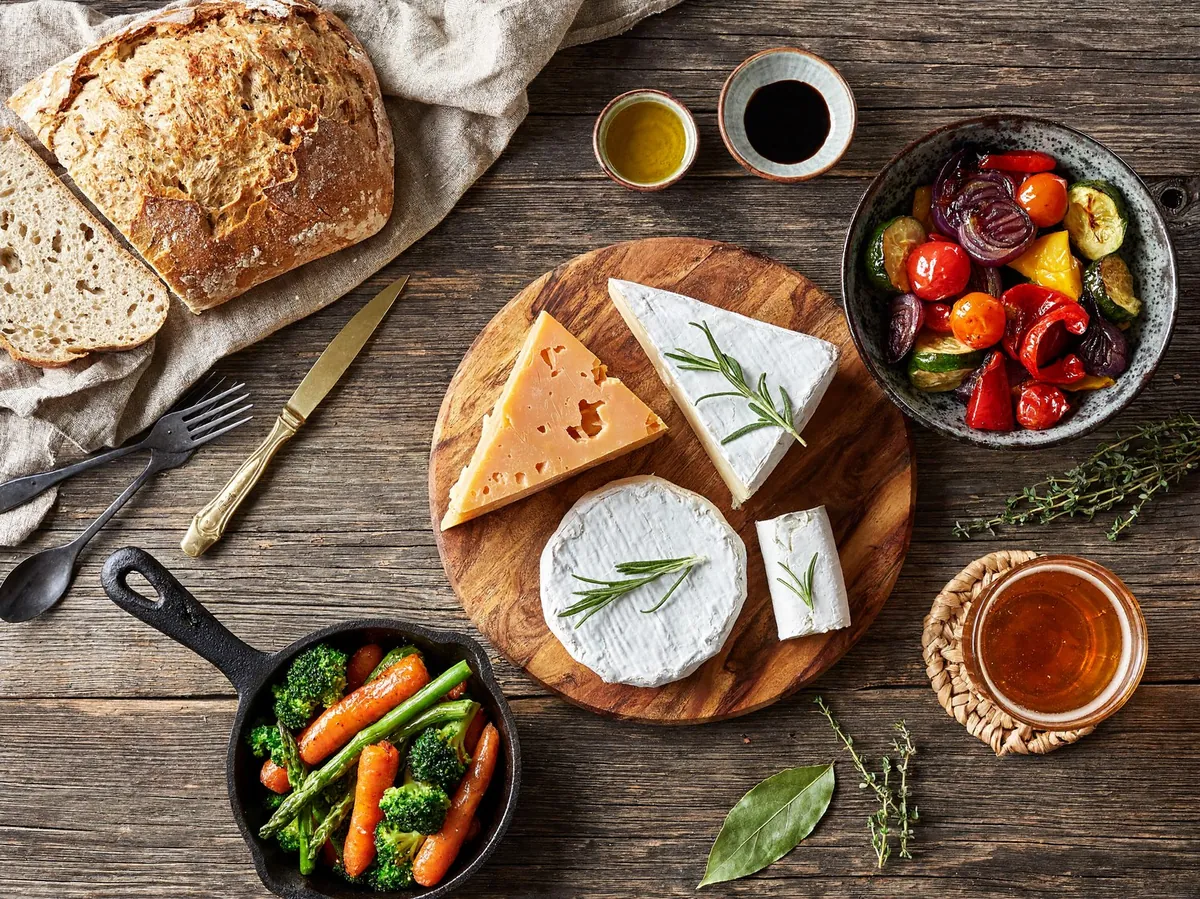
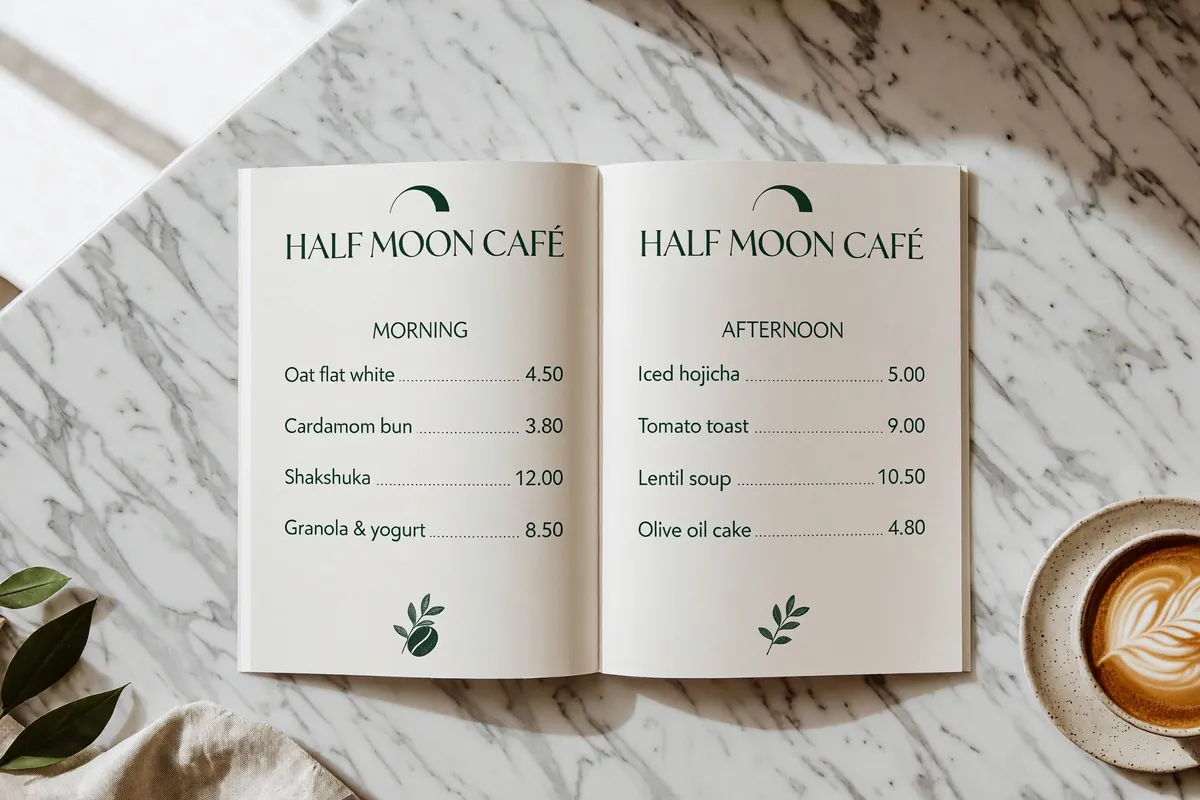
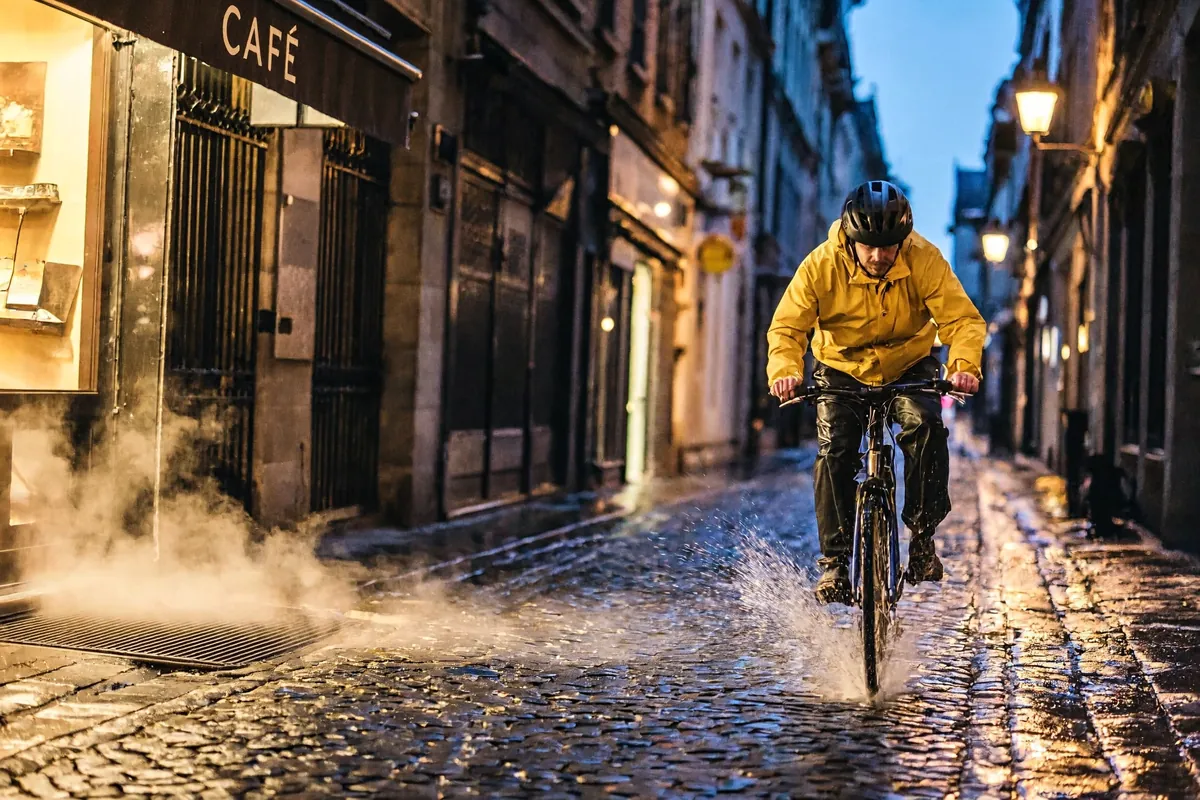
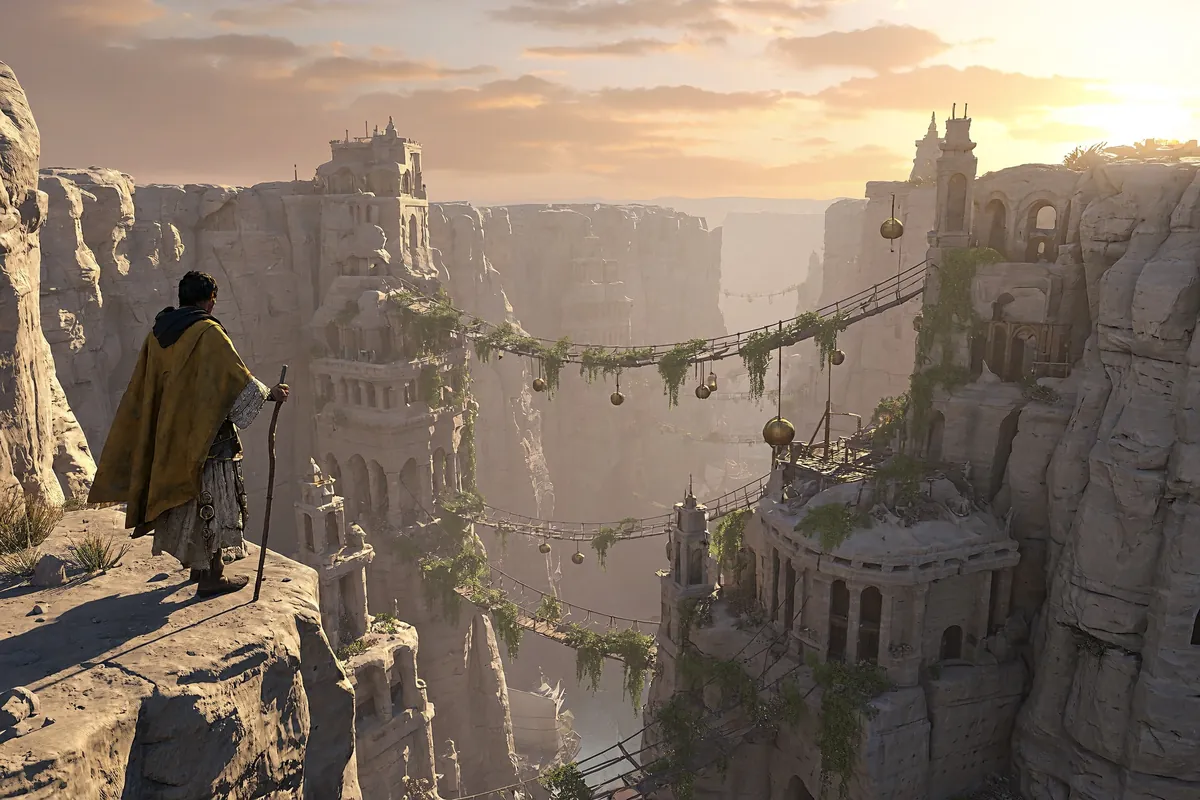
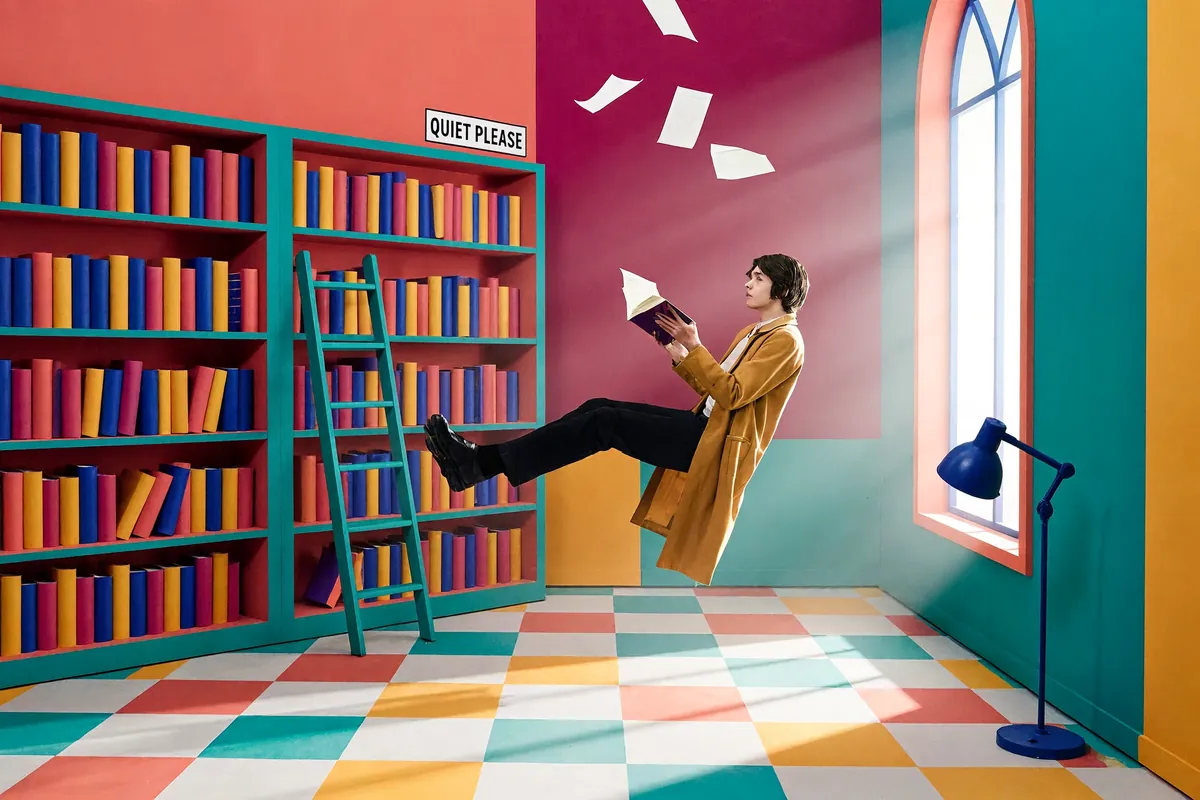
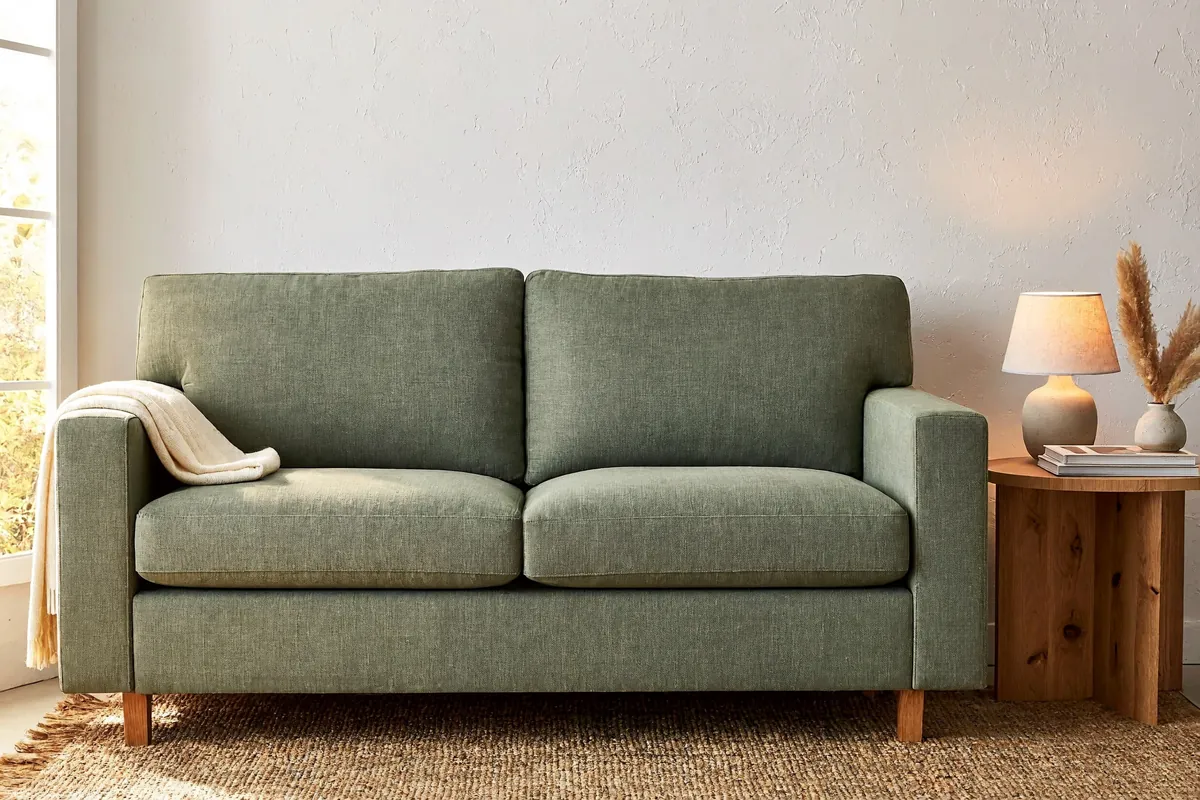
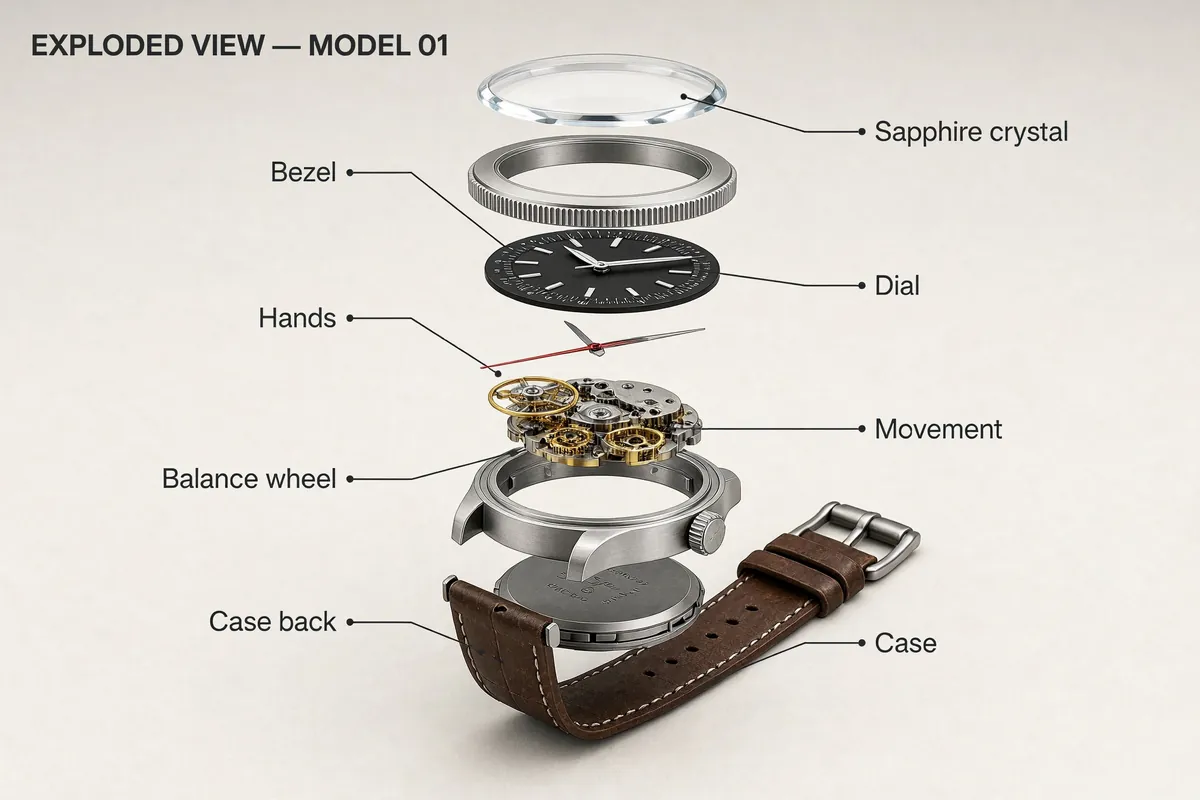
Sample images: MiniMax (Hugging Face model card) and fal.ai.
Start from an existing image and describe the change. Compare the source with the model’s result.
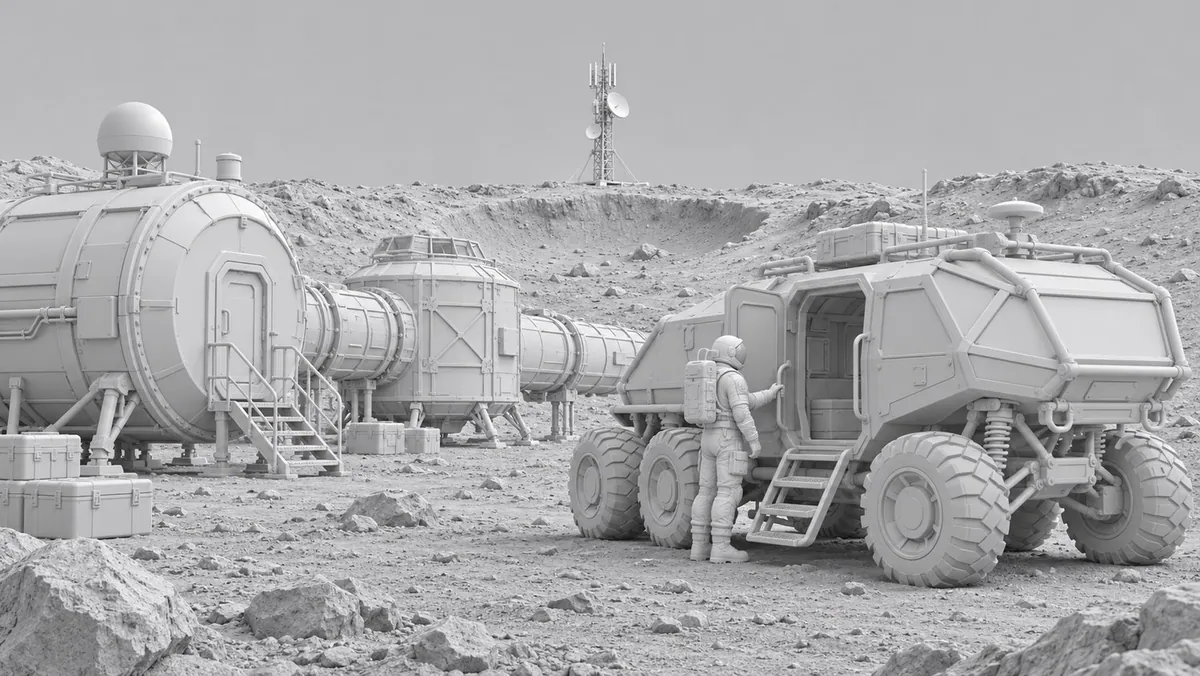
Before
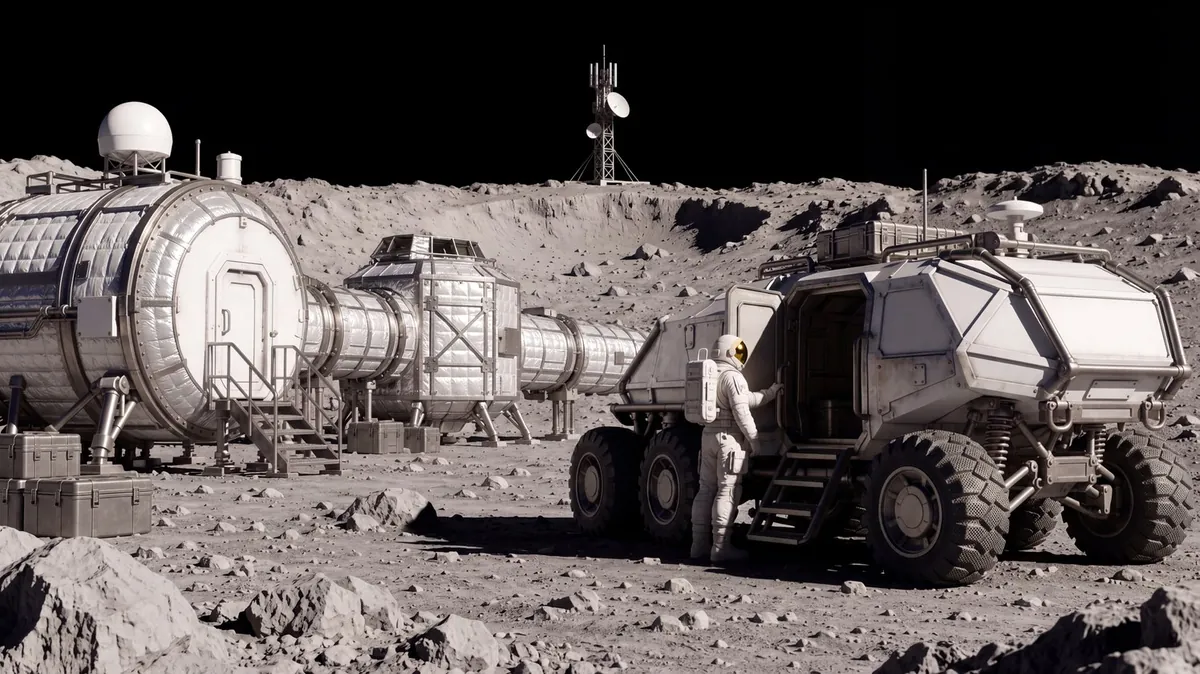
After
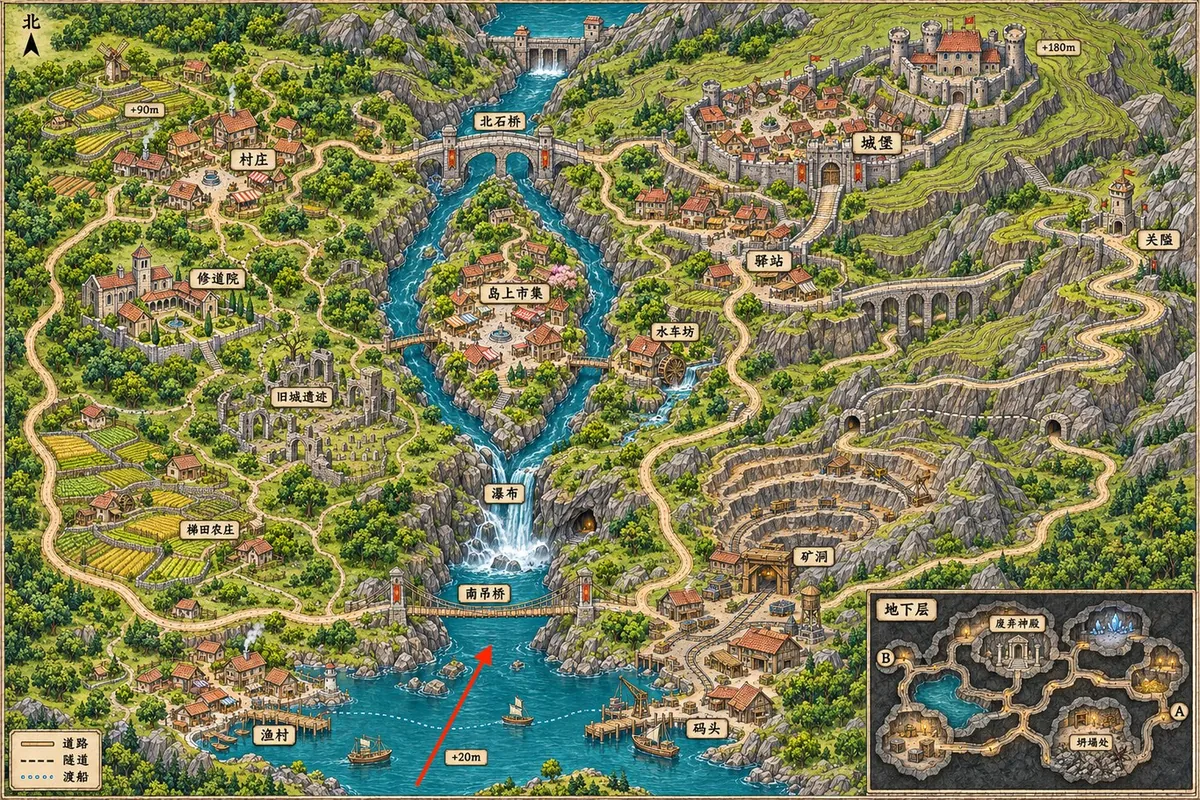
Before
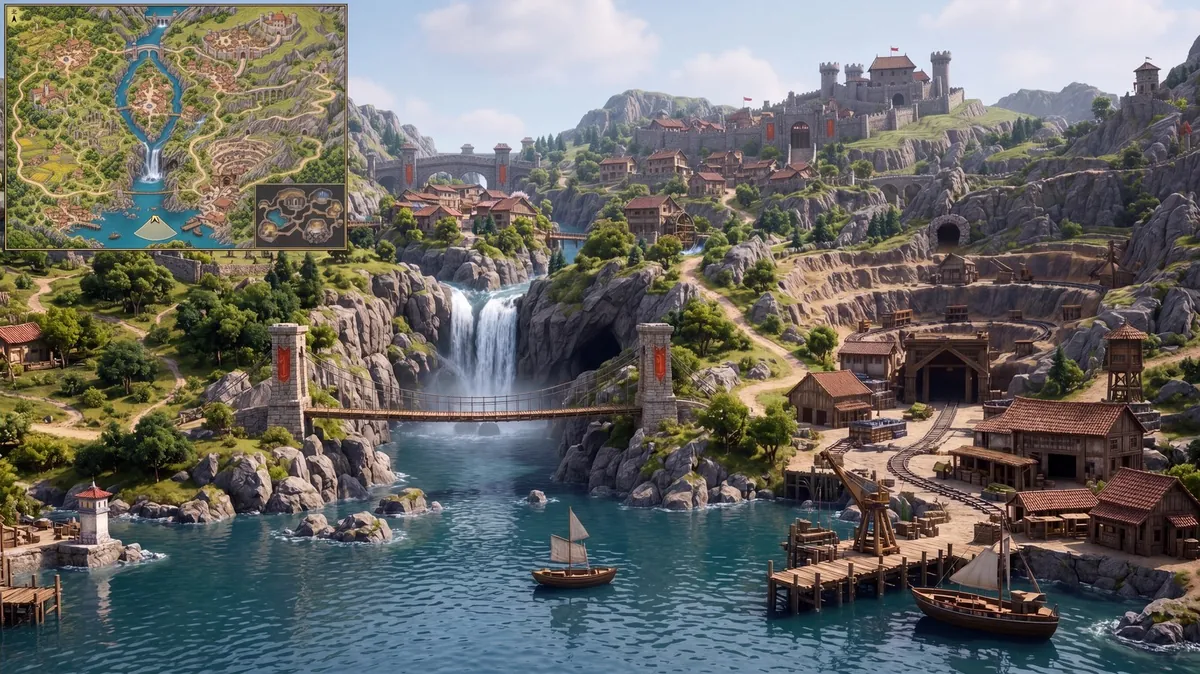
After
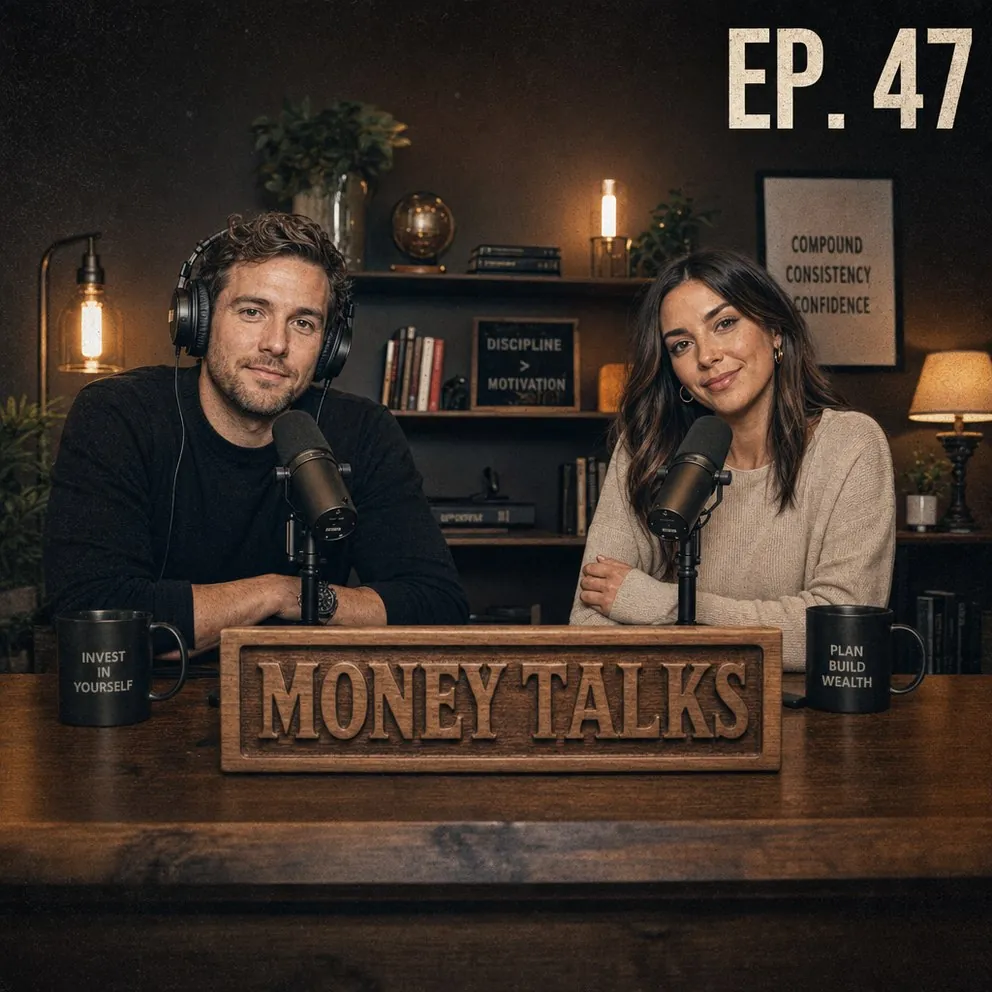
Before
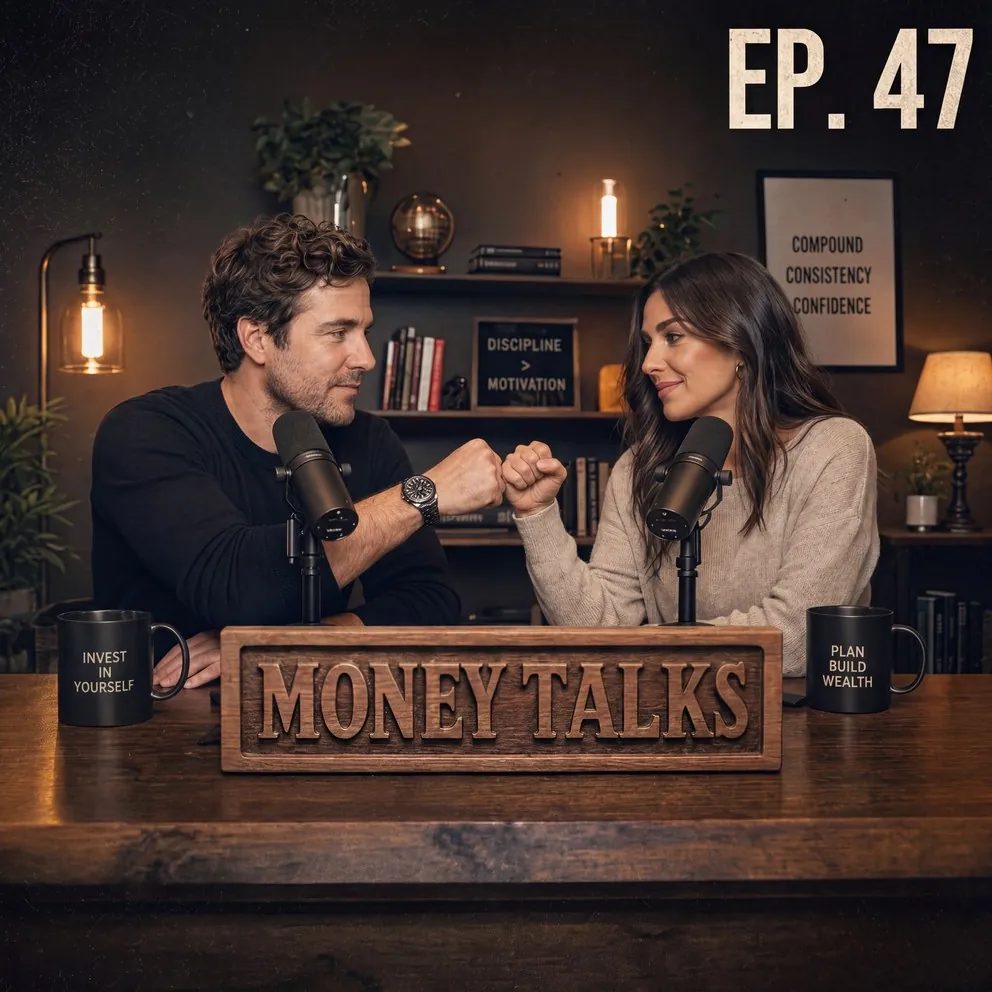
After
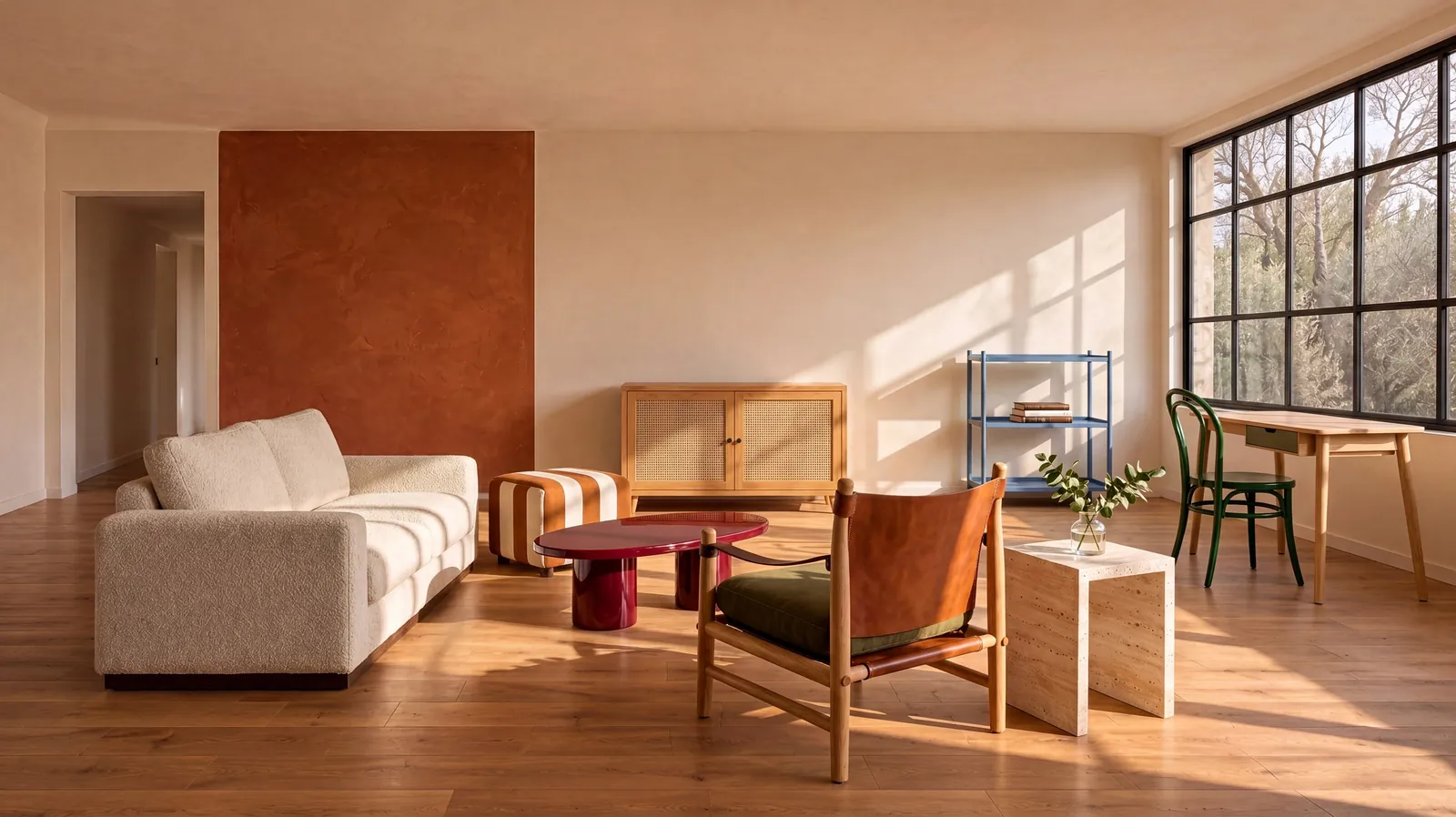
Combine 10 references: an empty room and nine furniture pieces become one furnished living room.

MiniMax’s published benchmark: P50 latency in seconds, lower is faster. These figures describe MiniMax’s deployments, not a speed guarantee for this site.
| Scenario | H3 Standard | H3 Highspeed | Other published results (seconds) |
|---|---|---|---|
| Text to image · 1K | 10.6 | 7.7 | Nano Banana 2.1: 17.0–20.0; GPT-image 2.5: 14.0–27.0; GPT-image 2.6: 9.0; Seedream 5 Pro: 34.4 |
| Text to image · 2K | 10.5 | 7.6 | Nano Banana 2.1: 28.0–31.0; GPT-image 2.5: 21.0–36.0; GPT-image 2.6: 10.0; Seedream 5 Pro: 54.2 |
| Text to image · 4K (16MP) | 16.0 | 10.3 | Nano Banana 2.1: 50.0–51.0 |
| Editing · 1 input · 4K | 18.2 | 12.5 | Nano Banana 2.1: 48.0–54.0 |
| Editing · 3 inputs · 4K | 21.4 | 14.4 | Nano Banana 2.1: 62.0–64.0 |
Actual time on this site depends on queue and resolution. Highspeed is a benchmark variant, not a selectable mode here.
One model for detailed image creation and controlled editing.
Generate approximately 16MP detail directly, including 4096 × 4096 square images.
MiniMax emphasizes natural textures and fine detail without an overly smooth, plastic appearance.
MiniMax reports state-of-the-art prompt adherence among open-weight models. Its examples include logic puzzles reasoned through on English and Chinese boards.
Combine references for subject, room, furniture, materials and composition in one edit.
Choose Auto or a common square, portrait or landscape ratio, including 21:9.
Short prompts in different languages are expanded into detailed English descriptions automatically.
Resolution sets the pixel budget. The API determines exact dimensions for the selected ratio.
| Ratio | 1K | 2K | 4K |
|---|---|---|---|
| Pixel budget | ≈1MP | ≈4MP | ≈16.8MP |
| 1:1 | ≈1024 × 1024 | 2048 × 2048 | 4096 × 4096 |
| 4:3 | ≈1MP | 2368 × 1760 | 4736 × 3552 |
| 16:9 | ≈1MP | 2720 × 1536 | 5472 × 3072 |
| 3:1 | ≈1MP | 3552 × 1184 | 7104 × 2368 |
| Credits per image | 8 | 12 | 16 |
Three steps from an idea to a downloadable image.
Write the subject, setting and lighting. Put exact text in quotes.
Optionally upload up to 16 images. For editing, say what to change and keep.
Pick a ratio and resolution, review credits, generate and download from your workspace.
Compare supported output and reference limits. Speed figures come from MiniMax’s published benchmark.
| Model | Maximum output offered here | References | Open weights |
|---|---|---|---|
| MiniMax H3 Image | 4K | 16 | Yes, community license |
| GPT Image 2 | 4K | 16 | No |
| Nano Banana Pro | 4K | 14 | No |
Build a visual direction across products, worlds, typography and stories.
Stage a sofa or explain a watch through an exploded view.
Explore cliffside cities, environments and imagined worlds.
Plan layouts with readable lettering and a clear hierarchy.
Visualize an impossible library or a striking editorial concept.
Design a still frame with the light, atmosphere and action your story needs.
Pay per image. The same resolution costs the same number of credits for generation and editing.
8
Credits per image
12
Credits per image
16
Credits per image
Trial credits are available when the signup bonus is enabled. Check the sign-up offer before registering.
View plans and credit packsA MiniMax H3-based image model that unifies text-to-image and reference-based editing, with open weights and native 4K output.
Trial credits are available when the signup bonus is enabled. Check the sign-up offer before registering.
1K: 8 credits; 2K: 12 credits; 4K: 16 credits per image. Editing uses the same rates.
Choose 1K, 2K or 4K and Auto or a common ratio up to 3:1. At 4K, square output is 4096 × 4096.
Up to 16 per request. Use references for subjects, style, composition or objects to include in the result.
Yes. Automatic prompt enhancement expands short prompts in different languages into a detailed English description.
Its weights are available on Hugging Face under the MiniMax H3-Image Community License. Self-hosting has its own terms; read the license before use.
Successful results are copied from the provider to our storage and accessed through account-checked links. Provider URLs expire after 24 hours. References can be reused for 30 days. Generated outputs currently have no automatic deletion deadline; download a copy for safekeeping.
No. H3 Image is an independent service that accesses the model through an API provider. We are not affiliated with MiniMax.
A prompt, a reference or a room full of ideas. Make the next image yours.
Sources: MiniMax blog · Hugging Face model card