Subject and setting
Describe who or what is in the scene, then place it in a specific setting.
Native 4K · Up to 16 references
Turn prompts into native 4K images with MiniMax H3 Image. Describe your subject, lighting and composition, choose a ratio and generate detailed images from text.
Creative workspace
MiniMax H3 Image combines text-to-image generation and image editing in one open-weight checkpoint. Create native 4K images or guide a new composition with up to 16 references.
Give the model clear visual instructions and review your result before using it.
Describe who or what is in the scene, then place it in a specific setting.
Specify soft window light, a dramatic rim light or the perspective of a wide lens.
Place exact wording in quotes, then say where it belongs and how the scene is framed.
Explore photographic detail, imagined worlds and precise visual layouts.
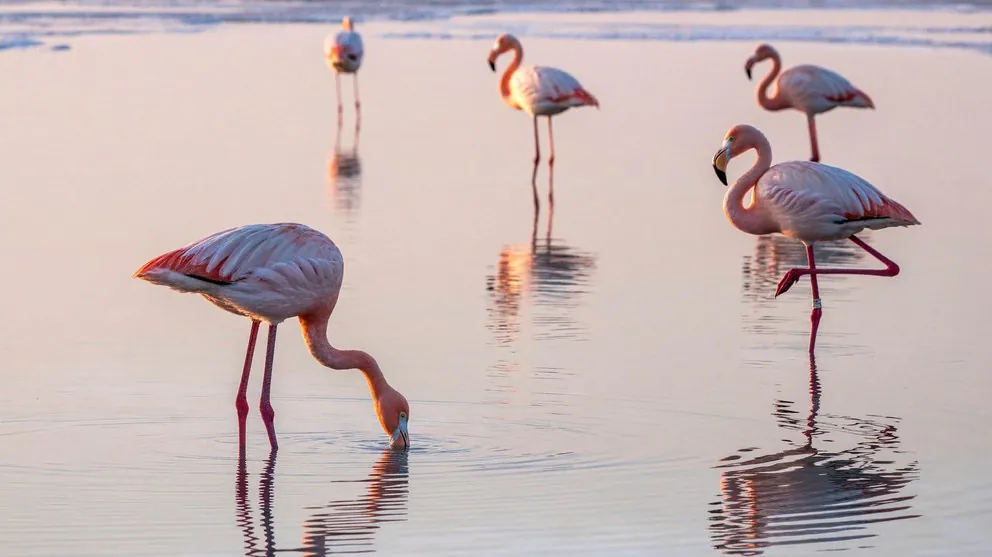
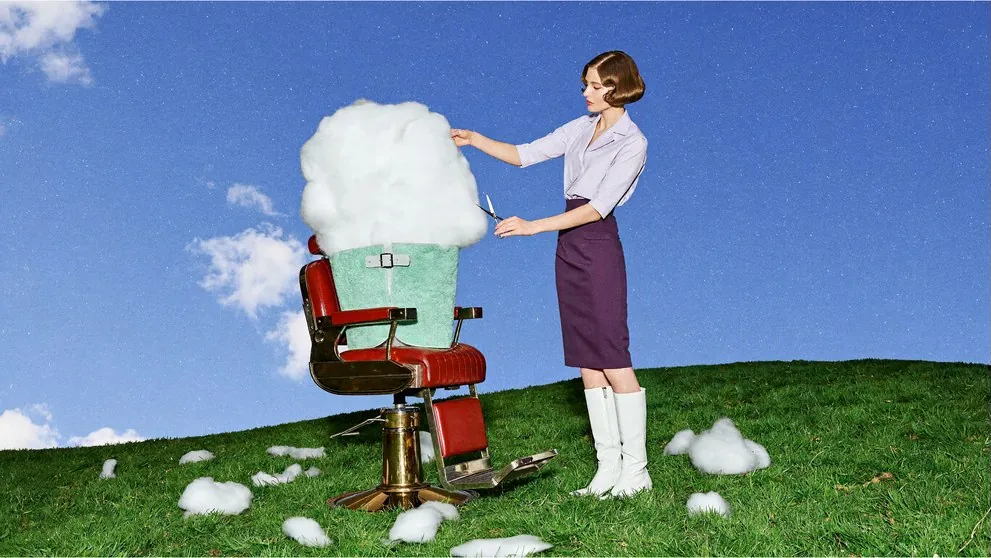
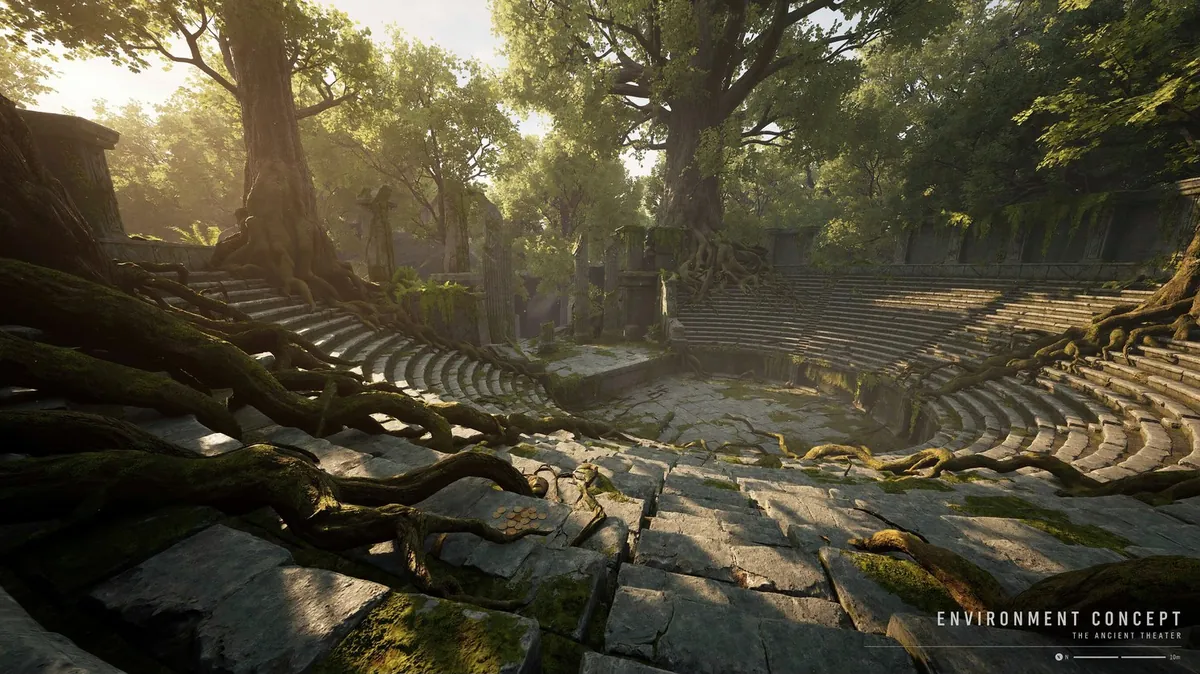
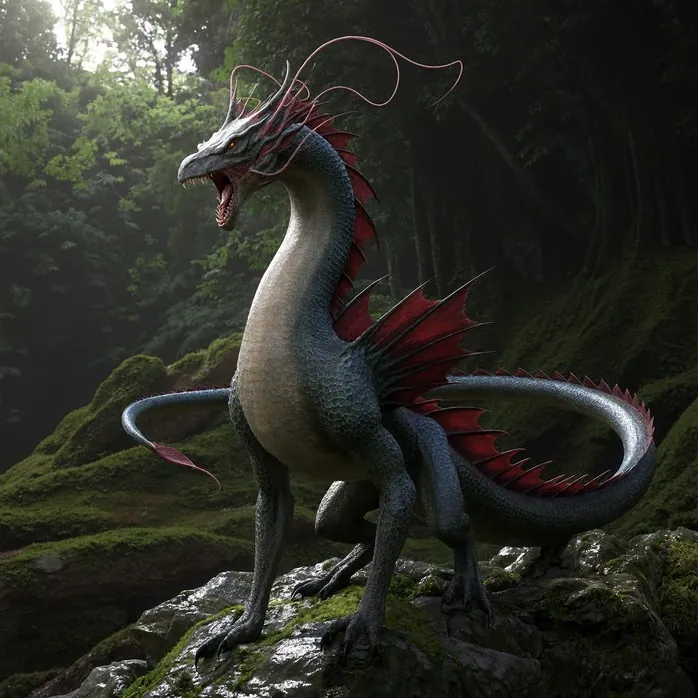
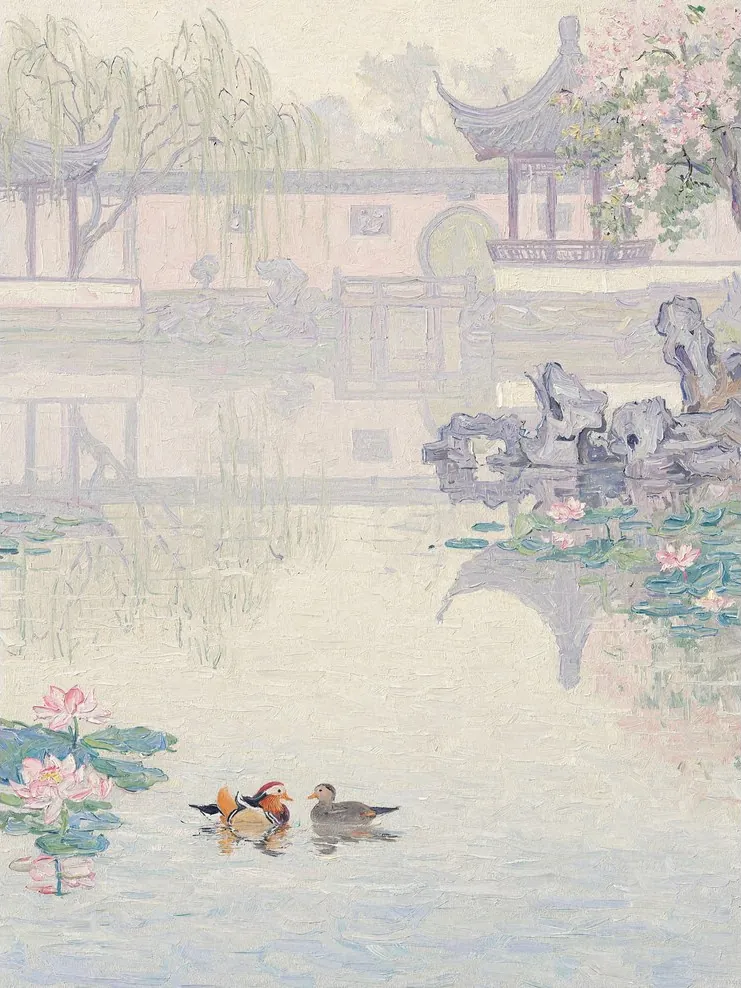
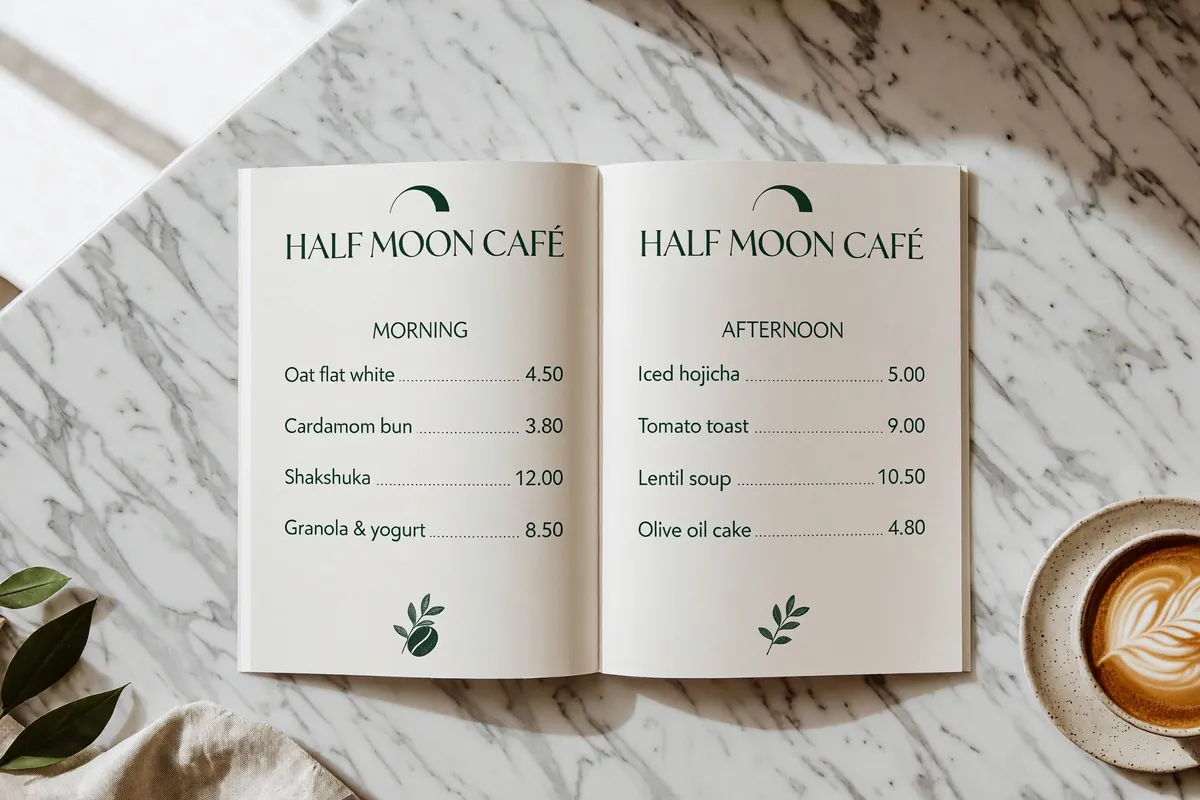
Sample images: MiniMax (Hugging Face model card) and fal.ai.
Pay per image. The same resolution costs the same number of credits for generation and editing.
Name the subject, scene, light and composition. Put any exact lettering in quotes.
For editing, upload up to 16 images and explain what should change and what should stay.
Choose a ratio and 1K, 2K or 4K. Check the credits, generate, then download from your workspace.
Up to 16 reference images per edit. Describe how they relate to the result.
Yes. Automatic prompt enhancement expands prompts in different languages into a detailed English description.
A submission or generation failure refunds the credits charged to the task.
A prompt, a reference or a room full of ideas. Make the next image yours.